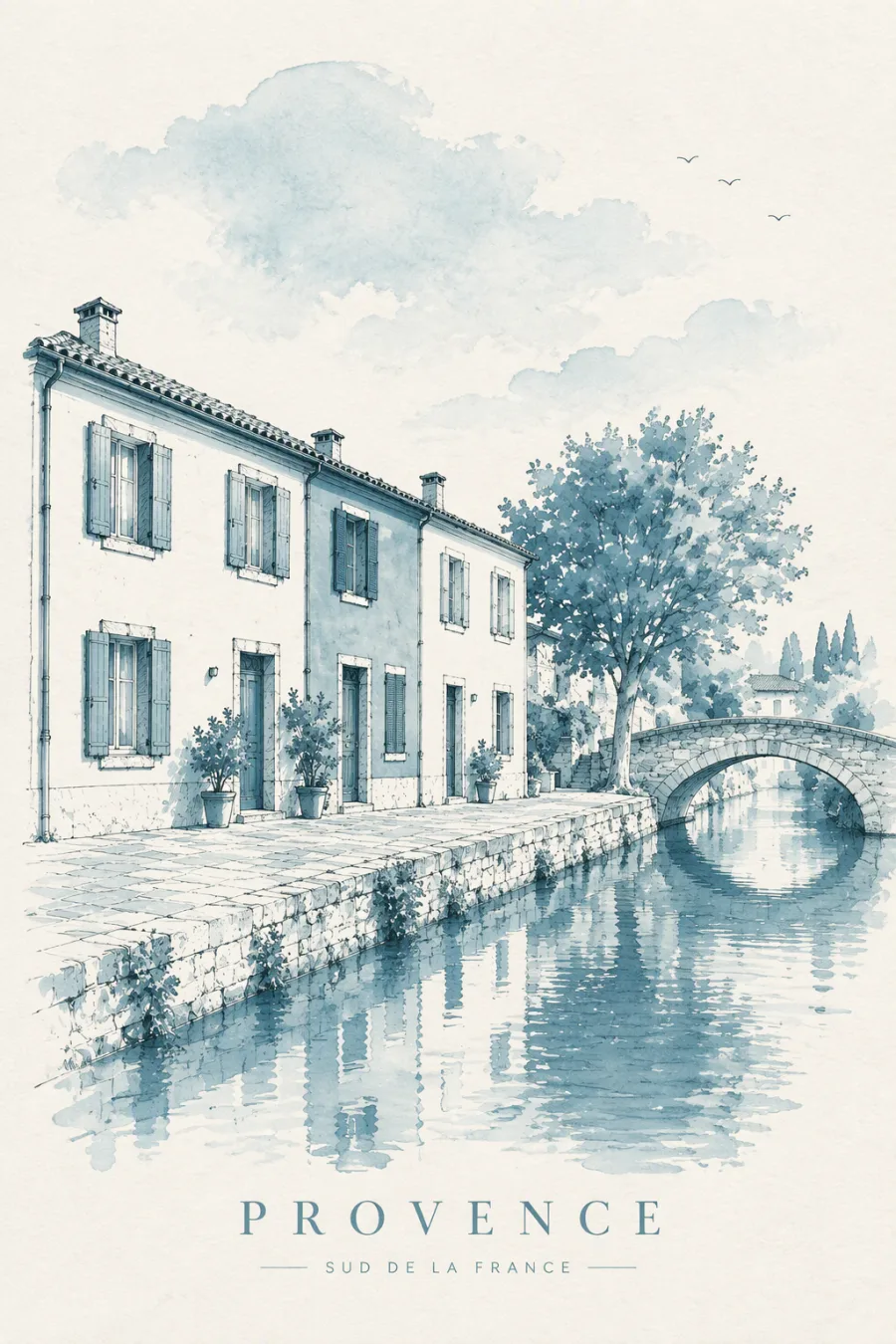
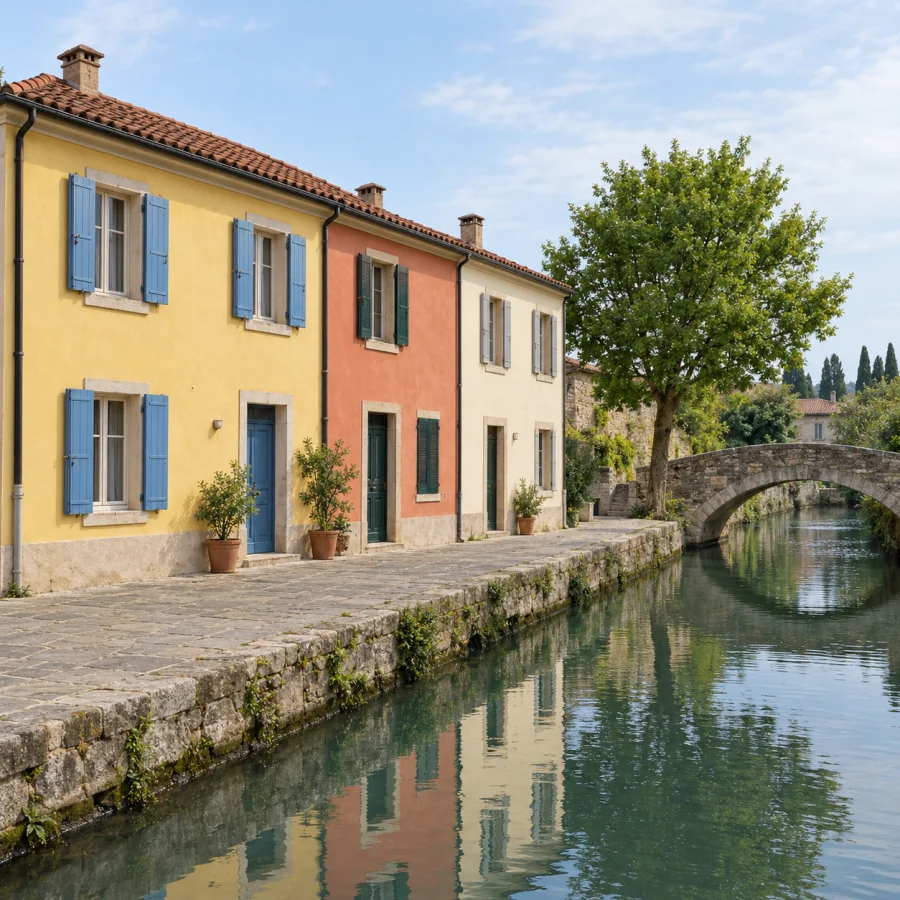
Pick a favorite photo
Choose a photo you have the right to use from your library and crop to frame the subject. Your original photo is never modified.
 PhantomDraw
LEAVE ROOM FOR IMAGINATION
Scenery from a trip, moments you can’t delete.
Turn them into watercolor, posters, travel journals,
or a vintage stamp worth keeping.
Built for iPhone · Beta preparation
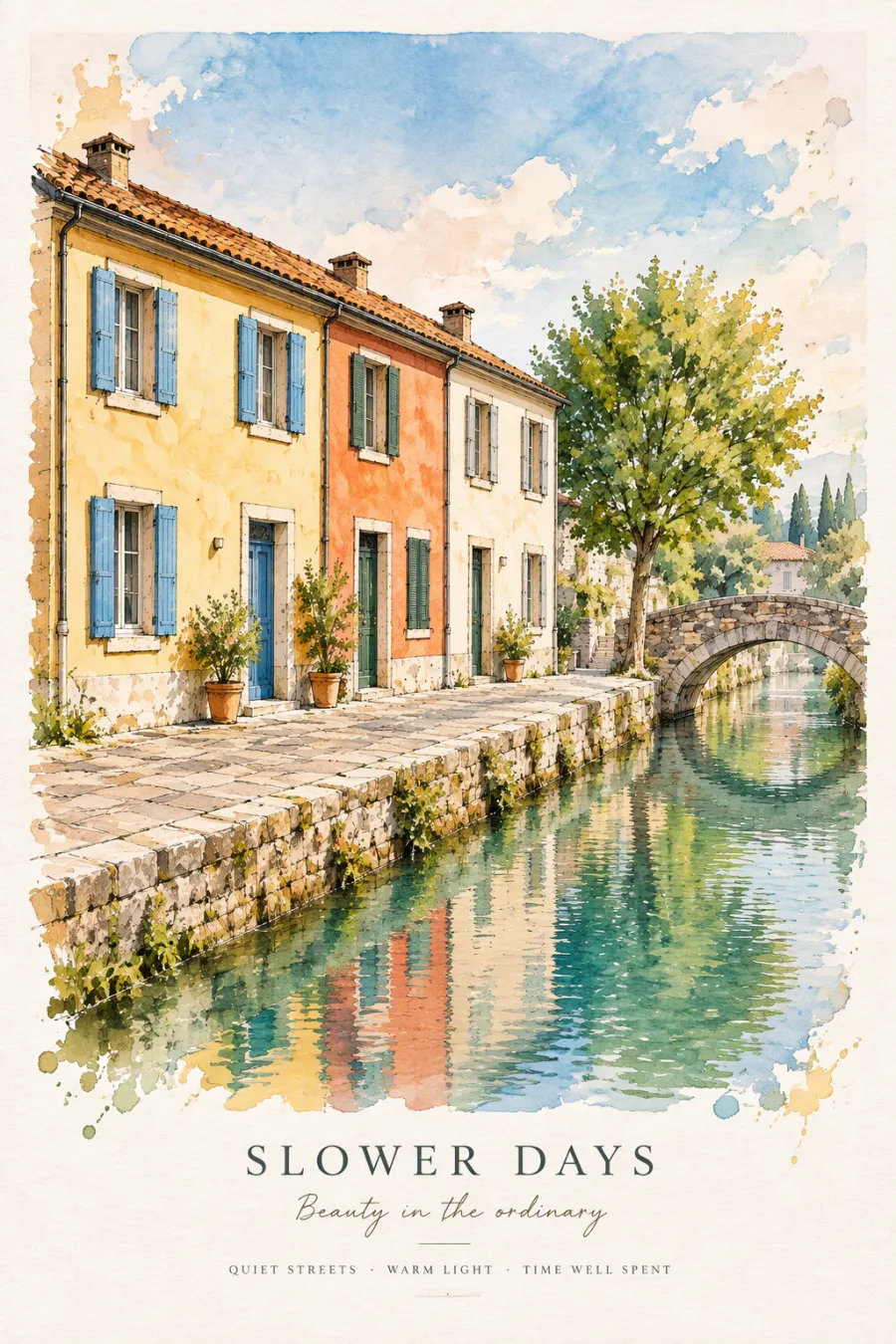
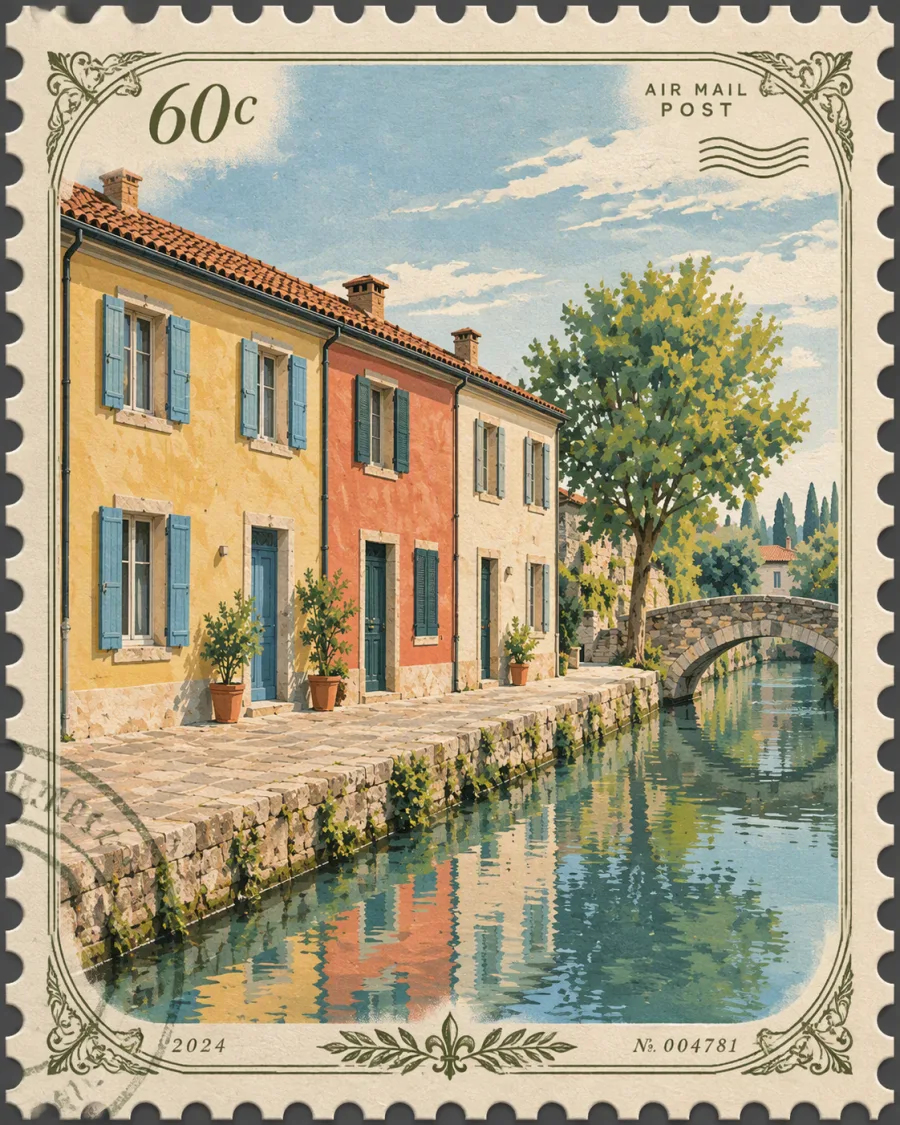
Actual project output examples · Results vary by photo and model
THE STYLE COLLECTION
Give landscapes a brushstroke and memories a shape.
Find your expression across eight curated templates.
Showing 8 styles. These are actual project test outputs, not a guarantee of every generation; magnets and stamps are image styles only, with no physical merchandise.
A LITTLE CHANGE, A NEW STORY
Photos capture what you saw.
PhantomDraw helps you explore another expression.
Drag the slider to see how a reference image is reimagined.
Pre-generated samples are shown here—no photo upload or model call occurs.
ReferenceWatercolor Poster
Original Drag to compare Reimagined
LESS WORK. MORE WONDER.
No need to start from a blank canvas.
On iPhone, begin with a single photo.
Choose a photo you have the right to use from your library and crop to frame the subject. Your original photo is never modified.
Select a style template. After confirming AI upload consent once, tapping Generate starts creating—no prompt writing required.
Preview and zoom inside Works, save to Photos, or share using the system share sheet. Downloaded works stay in your local app space.
CREATED WITH CARE
You should know where your photos go,
and where your works stay.
Selection and cropping stay on your device. Explicit consent is required before the first generation; your choice is saved locally so future generations send the reference image to PhantomDraw’s backend and Microsoft Azure OpenAI.
Downloaded artworks and work records live in local app storage. Clearing cache keeps your works; deleting a local work does not remove copies in Photos, shared files, or server records.
If the network drops, check the original task or reopen the app to resume delivery instead of generating duplicates for the same result.
GOOD TO KNOW
A few helpful notes
before you start creating.
PhantomDraw for iPhone is currently in beta preparation and does not yet offer a public download or public TestFlight invite link. This page introduces the app and showcases test output samples rather than offering an online generator. This page will be updated once public access opens.
Basic creation beta testing does not require sign-in. Designated internal test builds include Apple Sandbox subscriptions and Google test ads, without public paid billing, live production ads, or cross-device sync. Features, quotas, and reset rules follow the app and test notes; this page does not offer public beta invites or promise retail pricing or free allowances.
Before your first generation, the app asks you to confirm AI upload details. Your consent is stored locally; subsequent generations upload the processed reference image directly to PhantomDraw’s backend and send it with template prompts to Microsoft Azure OpenAI without prompting again. Please submit only content you have the right to use and avoid sensitive photos. See our Privacy Policy for server retention and deletion scope; deleting locally does not delete server records.
Results will vary. The examples shown here are actual outputs from project testing using synthetic scenery and portrait references. Your photo content, selected template, and model behavior all affect composition, detail, and rendered text. Vector poster, stamp, and magnet refer to image styles only—vector files and physical goods are not included.
If saving to Photos fails, check Photos add permission and available device storage; if the artwork is still in the app, you can save it again without regenerating. If the network drops mid-task, return to the original task’s recovery entry first. Uninstalling the app may erase unbacked-up local works, so save copies you want to keep beforehand.
Only local works management is supported right now; cross-device history sync is not yet available. System device backups are separate from PhantomDraw cross-device sync, and copies saved to Photos or shared are managed independently by you and recipients.
FOR iPHONE · BETA PREPARATION
The next artwork you’ll want to keep
might already be in your camera roll.